
Guides
What is IPTV? The Ultimate Guide for Beginners in 2026
Learn everything you need to know about Internet Protocol Television (IPTV). Discover how it works, why millions are cutting the cord, and how to choose a safe, premium provider in 2026.
Loading StreamVexa...
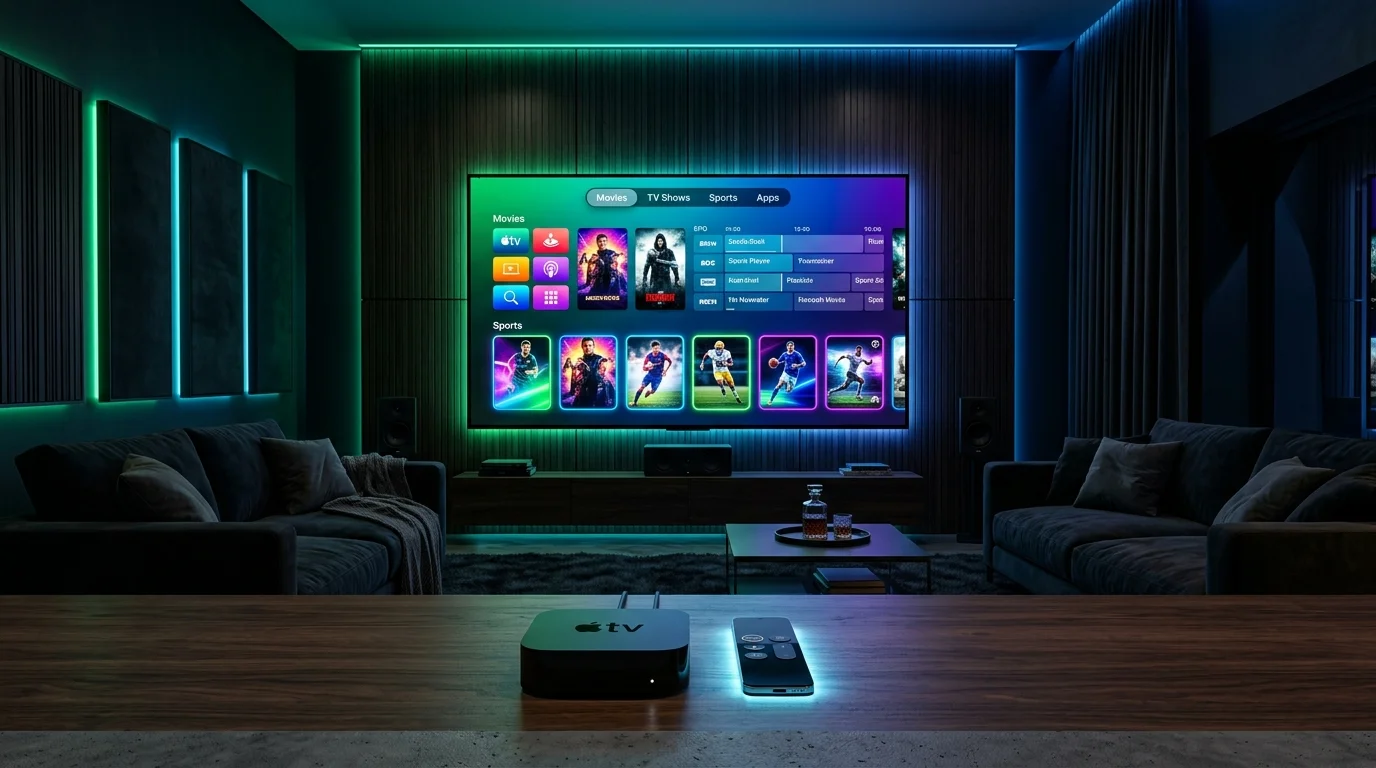
Compare the top 5 IPTV player applications in 2026 for seamless 4K live sports and VOD streaming.
Tired of buffering during big matches?
Join 15,000+ others who switched to our Anti-Freeze technology. Get instant access to 25,000+ channels in 4K starting from just 3 months.
You can have the most powerful 500 Mbps fiber internet and a subscription to a top-tier streaming provider, but if you are running it through a poorly coded, clunky media player, your streaming experience will be ruined. Slow channel switching, missing electronic program guides (EPG), audio out-of-sync glitches, and abrupt crashes mid-touchdown are almost never the server's fault—they are the fault of your player application.
In 2026, the IPTV player landscape has evolved dramatically. Modern players now support hardware-accelerated 4K HEVC decoding, dynamic multi-view grids to watch four Premier League or NFL games at once, cloud catch-up TV, and slick interfaces that look cleaner than Apple TV or Comcast Xfinity.
To save you hours of trial and error, the StreamVexa engineering team field-tested more than 20 IPTV applications across Amazon Fire TV Stick 4K Max, Nvidia Shield Pro, Apple TV 4K, Samsung Tizen, LG WebOS, and Google TV. Here are the top 5 best IPTV apps in 2026, ranked by speed, UI design, stability, and format compatibility.
An IPTV service delivers streams via M3U playlist URLs or Xtream Codes API credentials. The IPTV player app is the operating software that downloads the playlist, parses thousands of channels and VOD posters, syncs the TV guide, and tells your device's GPU how to decode live video packets.
Choosing the right player gives you three major benefits:
If you are using an Android-based streaming device—such as an Amazon Firestick 4K Max, Nvidia Shield Pro, Chromecast with Google TV, or an Android TV box—TiviMate is the gold standard. Nothing else comes close to its polish, speed, and TV-first aesthetic.
Designed exclusively for big television screens and remote controls, TiviMate delivers an interface that feels identical to a high-end $120/month satellite cable box.
Key Features:
Expert Verdict: If you own a Firestick or Android TV device, stop looking. Pair TiviMate with our step-by-step TiviMate setup guide and optimal TiviMate settings guide for the ultimate streaming setup.
IPTV Smarters Pro remains one of the most widely used IPTV applications on earth, and for good reason: it runs on virtually every operating system in existence, including Firestick, Android, iOS, Windows PC, Mac, and LG/Samsung smart TVs.
Smarters Pro separates your subscription into three distinct, user-friendly portals: Live TV, Movies, and Series. It features built-in parental controls, multi-user playlist switching, and native integration with external media engines like MX Player and VLC.
Key Features:
Expert Verdict: The perfect choice for households with mixed hardware (e.g., Firesticks in the living room, iPhones on the go, and a Windows laptop in the office). Check out our complete IPTV Smarters Pro 2026 installation guide.
Installing third-party streaming apps on Samsung (Tizen OS) and LG (WebOS) smart TVs can be frustrating because neither brand allows sideloading APK files. IBO Player Pro solves this completely.
Available directly inside the official Samsung Galaxy Store and LG Content Store, IBO Player Pro offers hardware-accelerated playback with zero sideloading required. Setup is managed through an intuitive web portal where you enter your device's MAC address and Device Key.
Key Features:
Expert Verdict: If you want to watch IPTV directly on your Samsung or LG OLED TV without buying an external Firestick, IBO Player Pro is the cleanest, most responsive native solution available. See our IBO Player setup guide and Smart TV setup walkthrough.
For viewers who prioritize on-demand movies, binge-worthy series, and an interface that mirrors Netflix, XCIPTV Player is an outstanding alternative. It uses the official ExoPlayer and VLC engines under the hood, delivering rock-solid stability during 4K HDR playback.
The interface is completely customizable, featuring large visual cards, integrated IMDB movie descriptions, trailers, and cast listings.
Key Features:
Apple TV 4K owners have access to some of the most powerful hardware on the market (A15 Bionic chip), but Apple's strict App Store guidelines make finding reliable IPTV players tricky. In 2026, two apps lead the Apple ecosystem: UHF (modern, clean, built for tvOS) and GSE Smart IPTV (the veteran powerhouse).
Both apps utilize Apple's Metal graphics API to deliver buttery-smooth 60fps and 120fps navigation, iCloud playlist syncing across your iPhone, iPad, and Apple TV, and native Picture-in-Picture (PiP) support.
Key Features:
Expert Verdict: For the ultimate Apple home setup, UHF paired with StreamVexa offers the most modern tvOS experience available today. Learn more in our Apple TV live sports IPTV setup guide.
| Player App | Best For | Platform Support | Multi-Screen | EPG Quality | Price | | :--- | :--- | :--- | :--- | :--- | :--- | | TiviMate | Firestick & Android TV | Fire TV, Android TV, Google TV | ✅ Yes (Up to 9) | ⭐⭐⭐⭐⭐ (5/5) | Freemium ($33.99 Lifetime) | | IPTV Smarters Pro | All-in-One Cross-Platform | Android, iOS, Windows, Mac, Smart TV | ✅ Yes (Up to 4) | ⭐⭐⭐⭐ (4/5) | Free / Premium | | IBO Player Pro | Samsung & LG TVs | Samsung Tizen, LG WebOS, Android | ❌ No | ⭐⭐⭐⭐ (4/5) | 7-Day Trial ($8 Lifetime) | | XCIPTV | Movie & Series Buffs | Android, Fire TV, Google TV | ✅ Yes (Up to 4) | ⭐⭐⭐⭐ (4/5) | Free | | UHF / GSE Smart | Apple Ecosystem | Apple TV (tvOS), iOS, macOS | ✅ Yes (UHF) | ⭐⭐⭐⭐⭐ (5/5) | Freemium |
For Fire TV, open the Downloader app and install TiviMate or Smarters Pro. For Samsung or LG Smart TVs, search for IBO Player in the native TV app store. For Apple TV, download UHF or IPTV Smarters from the App Store.
Launch the player and select Xtream Codes API (recommended for faster channel indexing and automatic EPG updates). Enter your Server URL, Username, and Password provided in your StreamVexa activation message.
Go to the app's video playback settings. Set your stream format to MPEG-TS or HLS, and adjust the buffer size to Medium (3 to 5 seconds). This gives you instant channel zapping while protecting you against minor internet jitter.
A top-tier player is only as good as the stream server feeding it. At StreamVexa, our private network is specifically architected to work seamlessly with TiviMate, Smarters Pro, and IBO Player:
Explore our full channels directory and inspect our supported streaming devices to see how StreamVexa transforms your home cinema.
Stop settling for laggy player apps, pixelated free streams, and sky-high cable bills. Experience what ultra-low latency 4K streaming truly feels like on your favorite device.
👉 Start Your 24-Hour Free Trial Today or choose an affordable multi-connection package on our pricing page.
/blog/best-iptv-apps-2026-comparisonLearn everything you need to know about Internet Protocol Television (IPTV). Discover how it works, why millions are cutting the cord, and how to choose a safe, premium provider in 2026.
Tired of buffering at the worst moment? Discover the best premium IPTV service of 2026 that actually delivers 4K sports and VOD without the freezing.
Want more from your Firestick in 2026? Free APKs buffer and carry malware. Follow these 5 steps to unlock a premium, buffer-free 4K live TV experience.